How to Bring Your Avaturn Character to Life with Move One
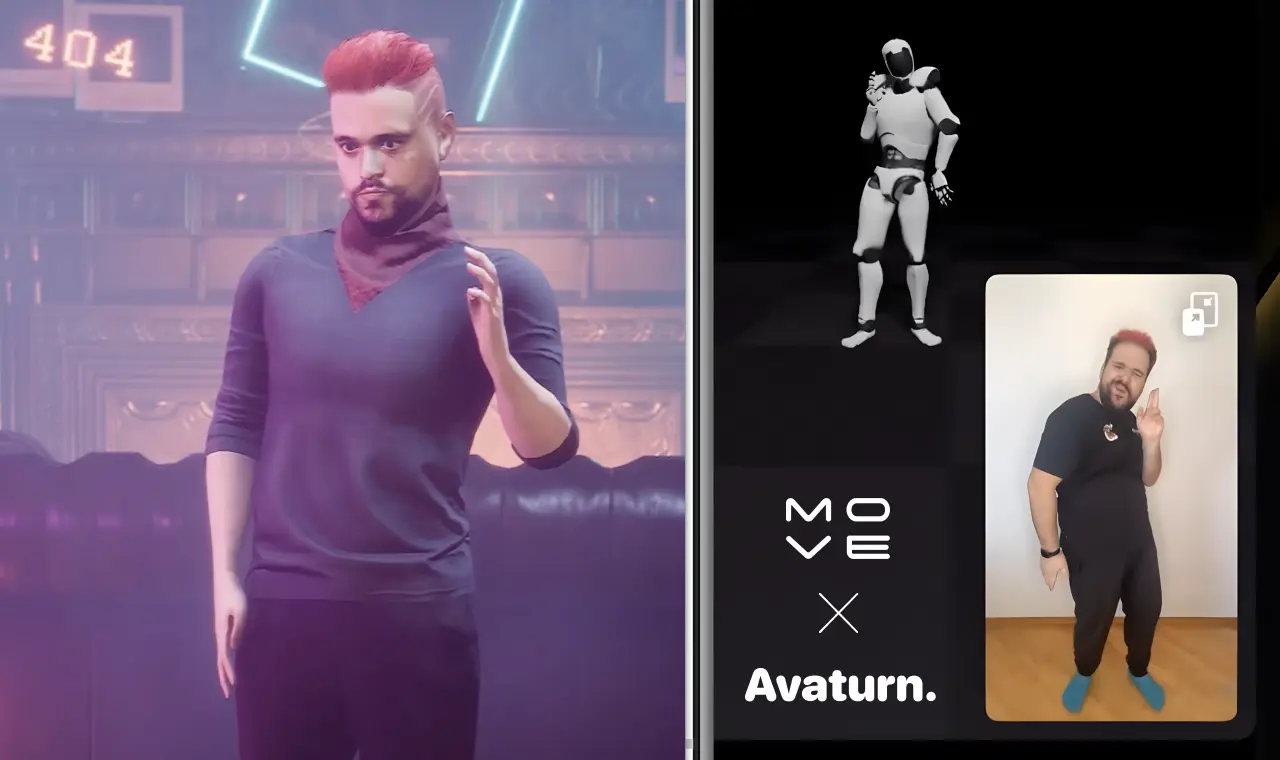
Animating specific individuals used to be a complex affair, involving lengthy shooting days, futurist high-tech suits, expensive equipment, and countless hours with animation experts. But today, imagine creating a digital twin that not only looks like you but moves like you, all from the palm of your hand.
In this blog post, we're thrilled to guide you through using Avaturn and MoveAI to animate your avatar, making something once difficult both possible and exciting. Follow our detailed guide to animate your Avaturn with the Move One app here:
Creating Your Avaturn Avatar
First, to create your avatar with Avaturn, simply enter our website and follow the process! It's straightforward:
Animate with Move One
Finalizing in Your Preferred Environment
Integrating your animated avatar into environments like Unreal Engine, Unity, and Blender is made easy:
The collaboration between Avaturn and Move-One is all about making it easier for you to unleash your creativity with limitless potential. Whether you're a gamer, a content creator, or just exploring for fun, animating digital avatars has never been easier.
Stay tuned for more — we’re just getting started!